


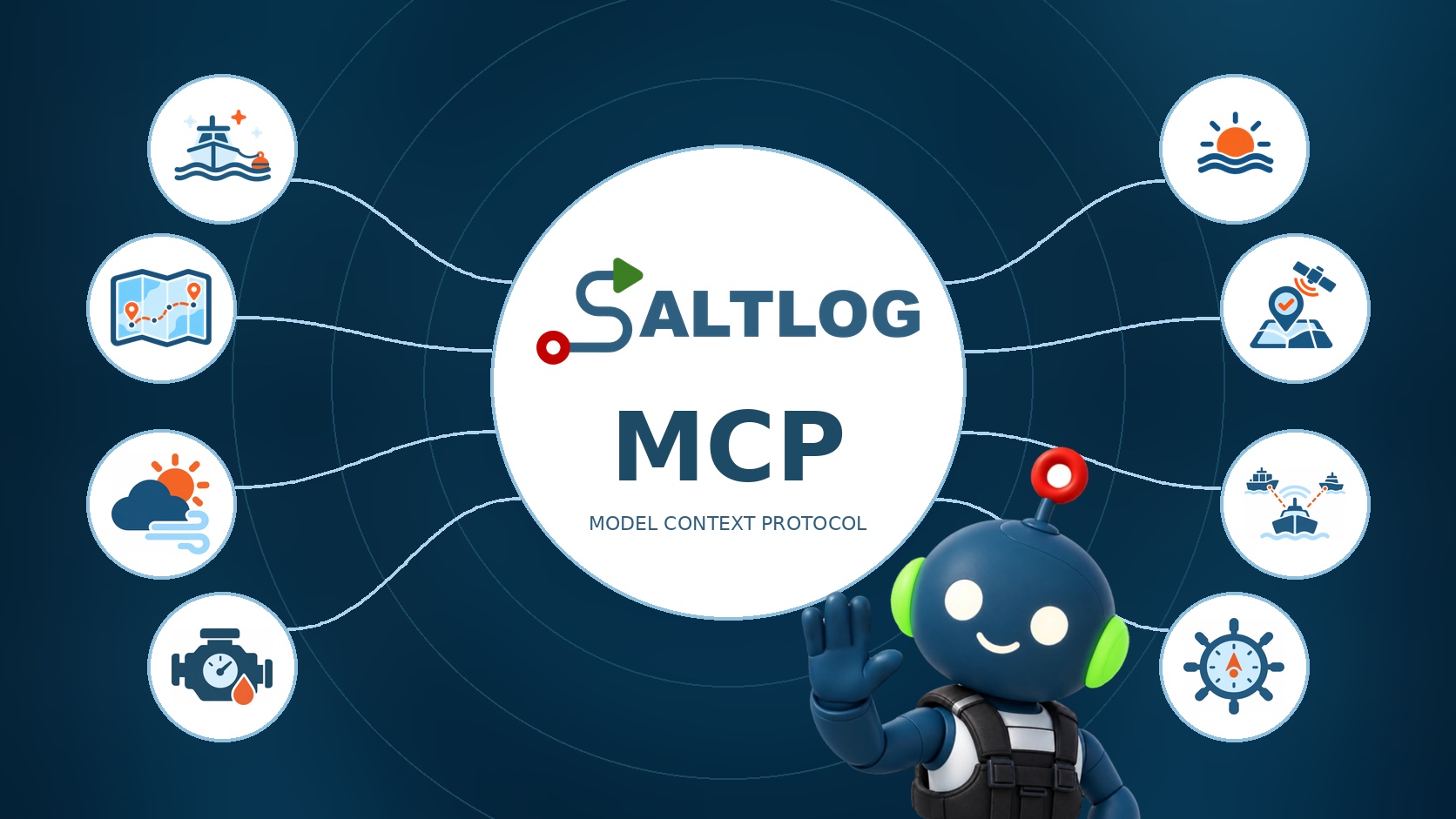
More and more of us ask an AI assistant before we search the web. Planning a passage, decoding a forecast, revising for an exam. Until now, though, it has known nothing about your sailing. It couldn’t tell you how many nights you’ve spent at sea, because that’s in your logbook, not on the internet.
That changes with Saltlog Plus. Connect Saltlog to Claude, and Claude can read your log when you ask it a question.
What is MCP?
MCP stands for Model Context Protocol. It’s an open standard that lets an AI assistant connect to the apps and data you already use, with your permission.
If you’ve wired up a boat, you already know the idea. Before NMEA 2000, every instrument maker had its own plug. Now a depth sounder from one maker shows up on a plotter from another, because they share one standard. MCP does the same for AI. An app builds one connector, and the assistant knows how to use it.
That connector is a short list of things the assistant may ask for. Saltlog’s list is all about your logbook, and every item on it only reads.
Why it matters
An assistant is only as good as what it knows. Ask Claude about the sea time a course needs and it will give you a general answer. Ask it about your own sea time and, until now, it had to guess or ask you to paste your log in.
With the connector, it doesn’t guess. It looks up your trips, adds them up the same way the app does, and answers from your own log. You can then ask it to do what assistants do well: summarise, compare, explain or draft.
What it means for Saltloggers
Your logbook becomes something you can talk to. Here are some of the things you can ask:
- Sea time: “How many days have I logged as skipper since January 2024?” Days, days as skipper, hours, miles, night passages and passages over 60 nm, for any dates, boat or role. Always check your course’s own rules on what counts.
- Trips: “Find the trip where we anchored in Studland and went on to Poole.” Any trip, with its stops and crew.
- Passages: “List every passage over 60 nm, with the date and the boat.” The same passages as your Résumé.
- Boats: “Which boat have I skippered most?” Every boat you own or have sailed on, with its miles and trips.
- Stops: “Where do I stop most often?” Your anchorages and harbours, grouped together.
- Costs: “What did she cost me this year, by category?” From the costs you’ve logged.
Then keep going. “Turn that into a short summary of my experience for a course application.” “Compare this season with last.” “Which month do I sail most?”
How to connect it
You need Saltlog Plus and your own Claude account.
- In Claude, open Settings, then Connectors.
- Choose Add custom connector and paste: saltlog.co.uk/mcp
- Choose Connect. Saltlog’s own sign-in page opens.
- Sign in to Saltlog the way you normally do, then choose Allow.
- Ask Claude something about your log.
That’s it. You can disconnect it whenever you like, from the same Connectors page.
What it can and can’t do
- It only reads. It can’t add, change or delete anything in your log.
- It only reads yours. Trips friends have shared with you stay out of it.
- It only reads when you ask. Nothing is sent to Claude until you connect and ask a question. What Claude receives is then handled by Anthropic, Claude’s maker, under its own terms. Our Privacy Policy covers this.
- It stops when Plus stops. Every question checks that your Plus is current.
What it costs
The connector comes with Saltlog Plus, from £2.99a month. Claude is paid for by your own Claude account, so there’s no meter running at our end and no charge per question.
I built Saltlog so the hours you put in on the water would be easy to prove and a pleasure to look back on. Being able to just ask your log feels like the natural next step. Connect it, ask it something, and let me know what you’d like it to answer next.